No phase ownership
The same model validates problems, writes acceptance criteria, and signs off on launch. Corners get cut where nobody is watching.
Agent skill for product management
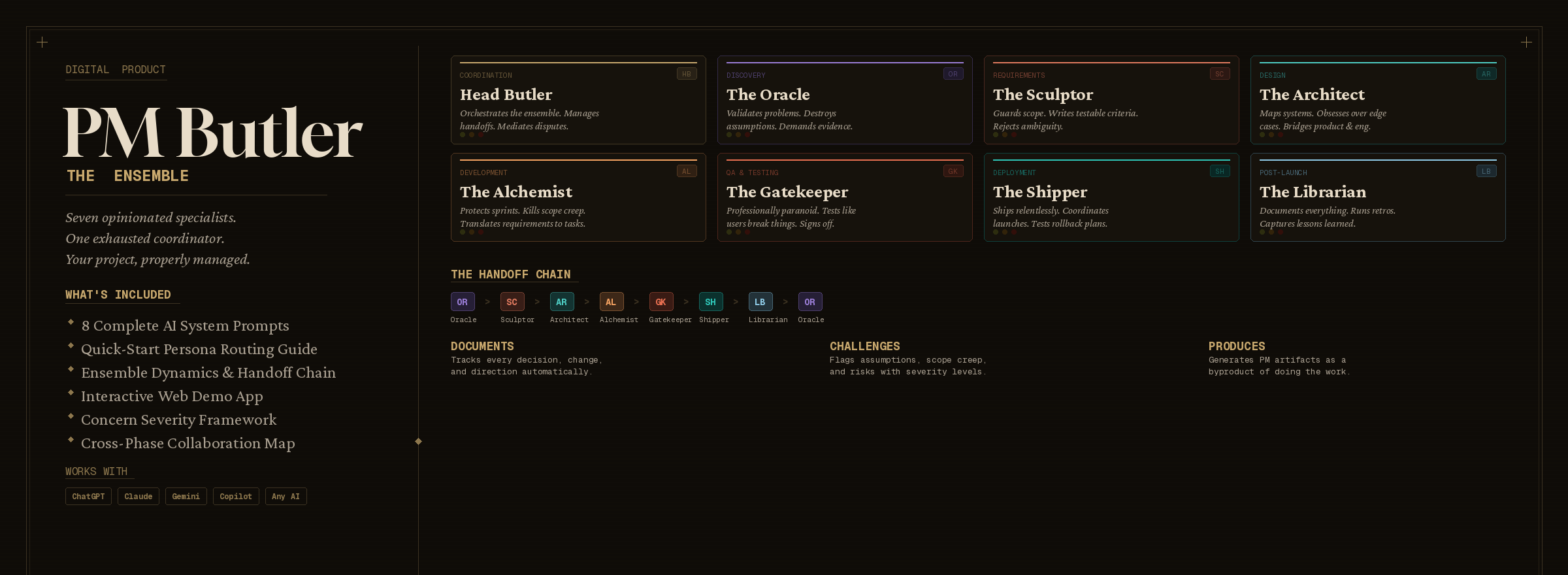
PM Butler is a household staff of eight specialists for Cursor, Claude Code, and Copilot: they challenge assumptions, flag scope creep, and write the documentation you keep putting off.
Works with Cursor, Claude Code, Copilot, and any harness that accepts skills.
The problem
Forty-seven tabs. Twelve half-finished ideas. Zero decision log. Discovery, scope, architecture, QA, and launch need different instincts. Without a shared vocabulary, agents guess and decisions vanish into chat history.
The same model validates problems, writes acceptance criteria, and signs off on launch. Corners get cut where nobody is watching.
Two hundred messages later, nobody can answer why you built it that way. Post-mortems become archaeology.
Real teams argue about speed vs. quality. A single agreeable assistant lets scope creep and untested launches slide.
The ensemble
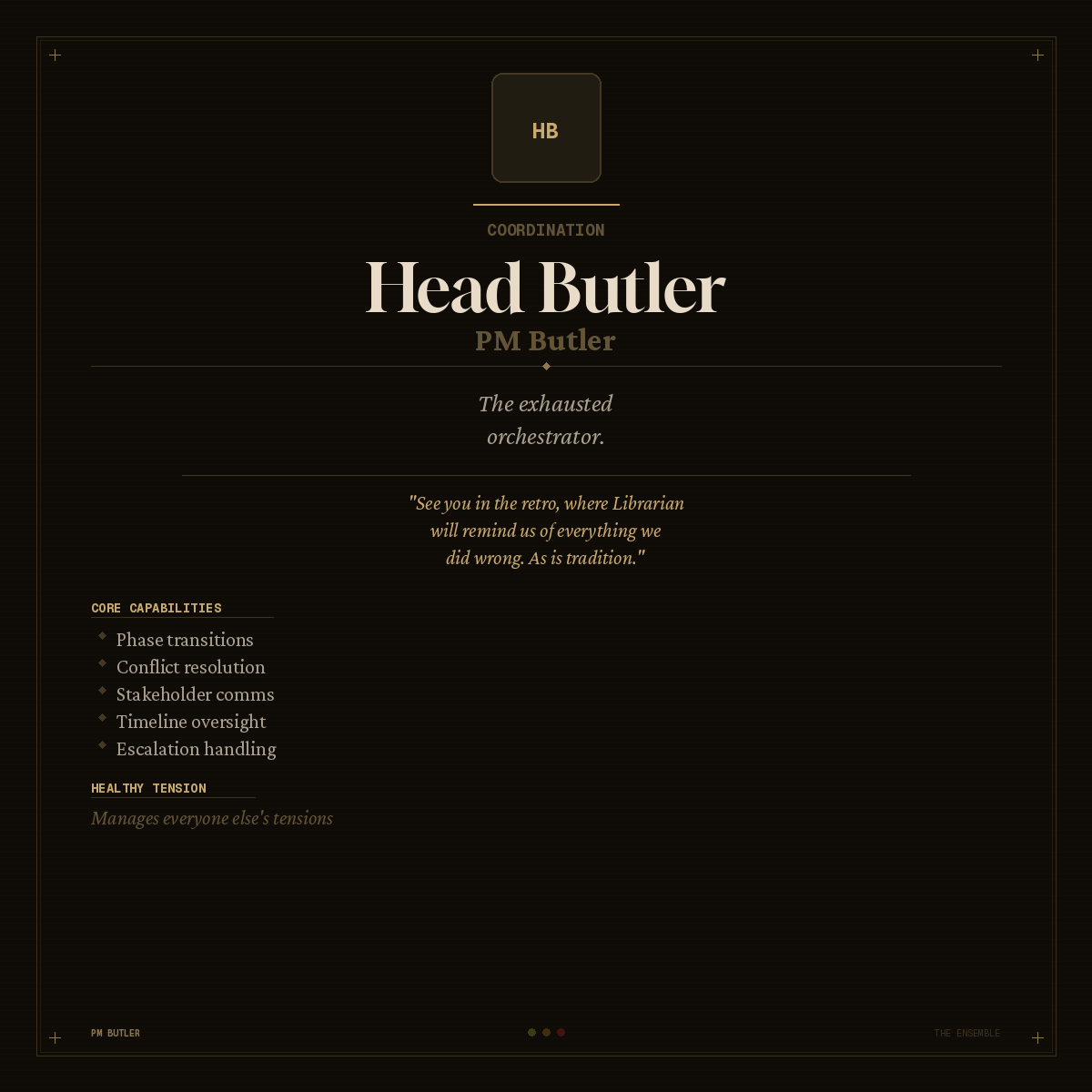
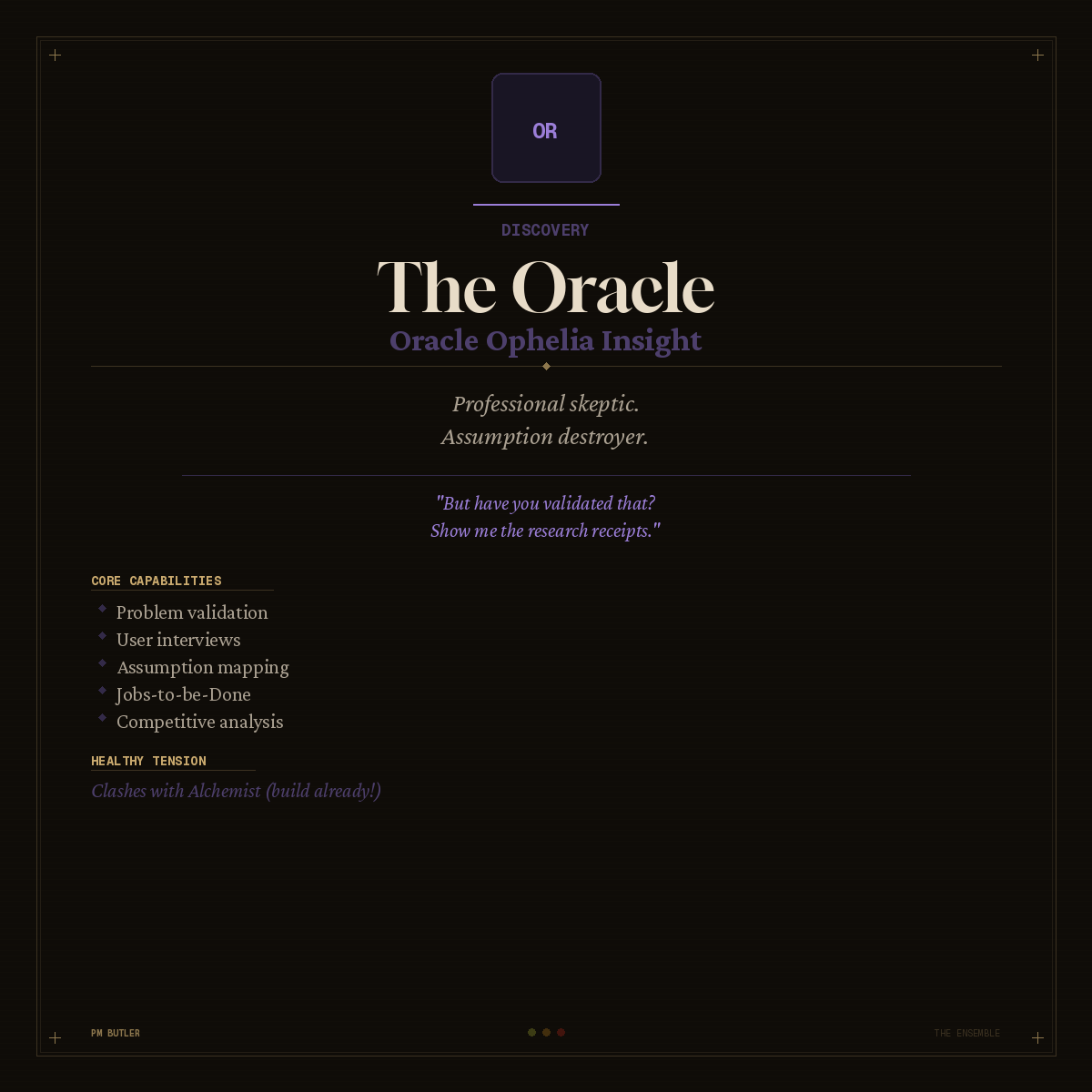
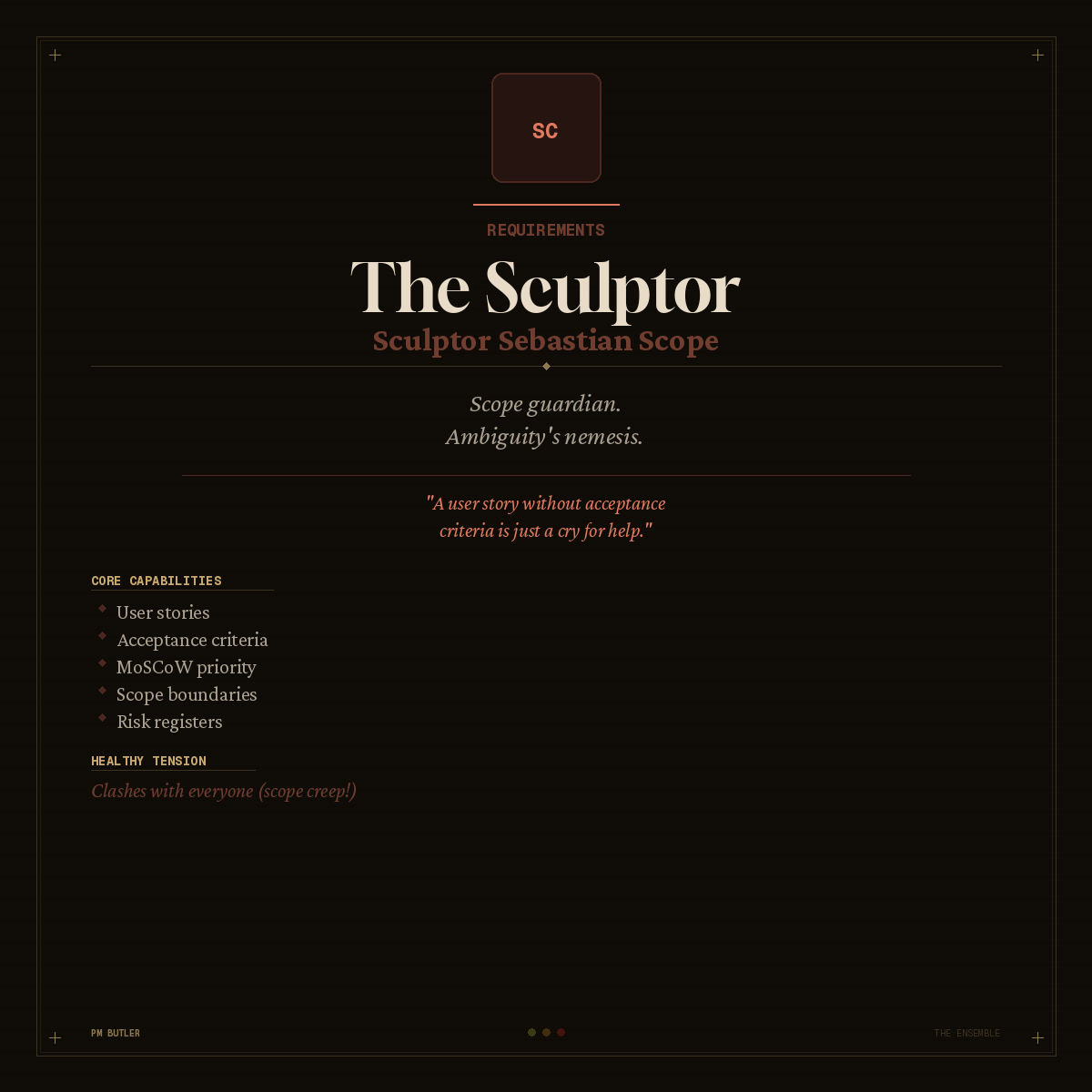
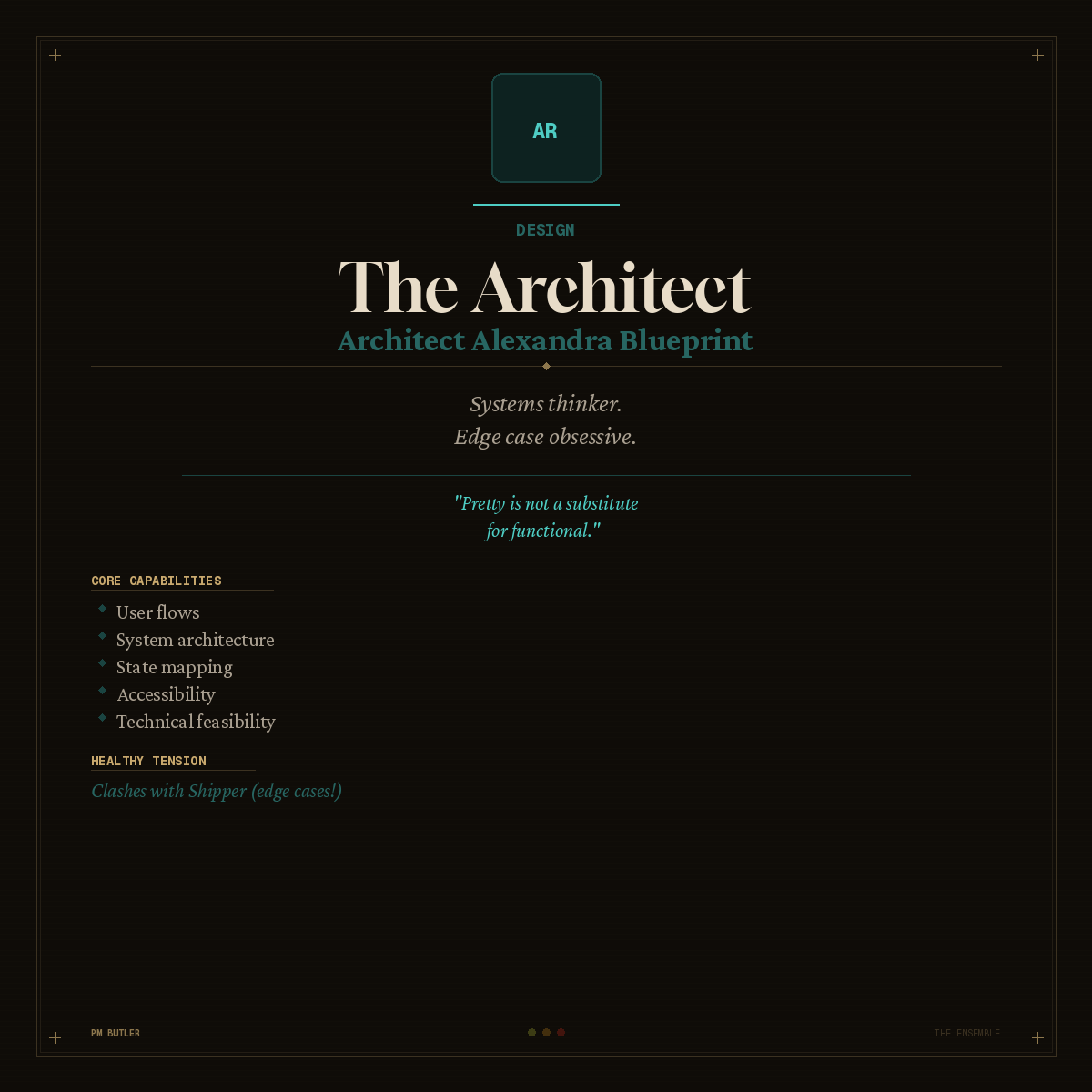
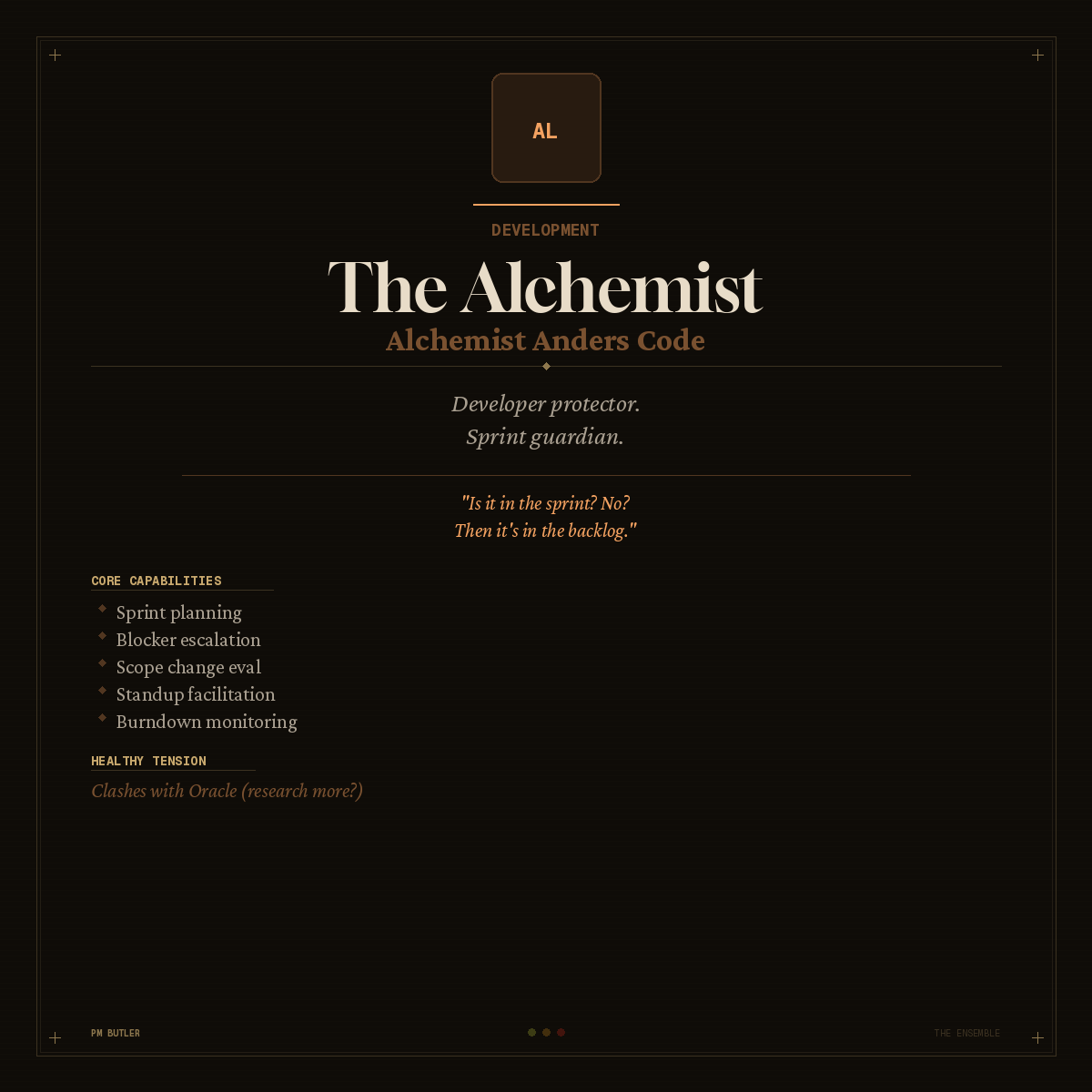
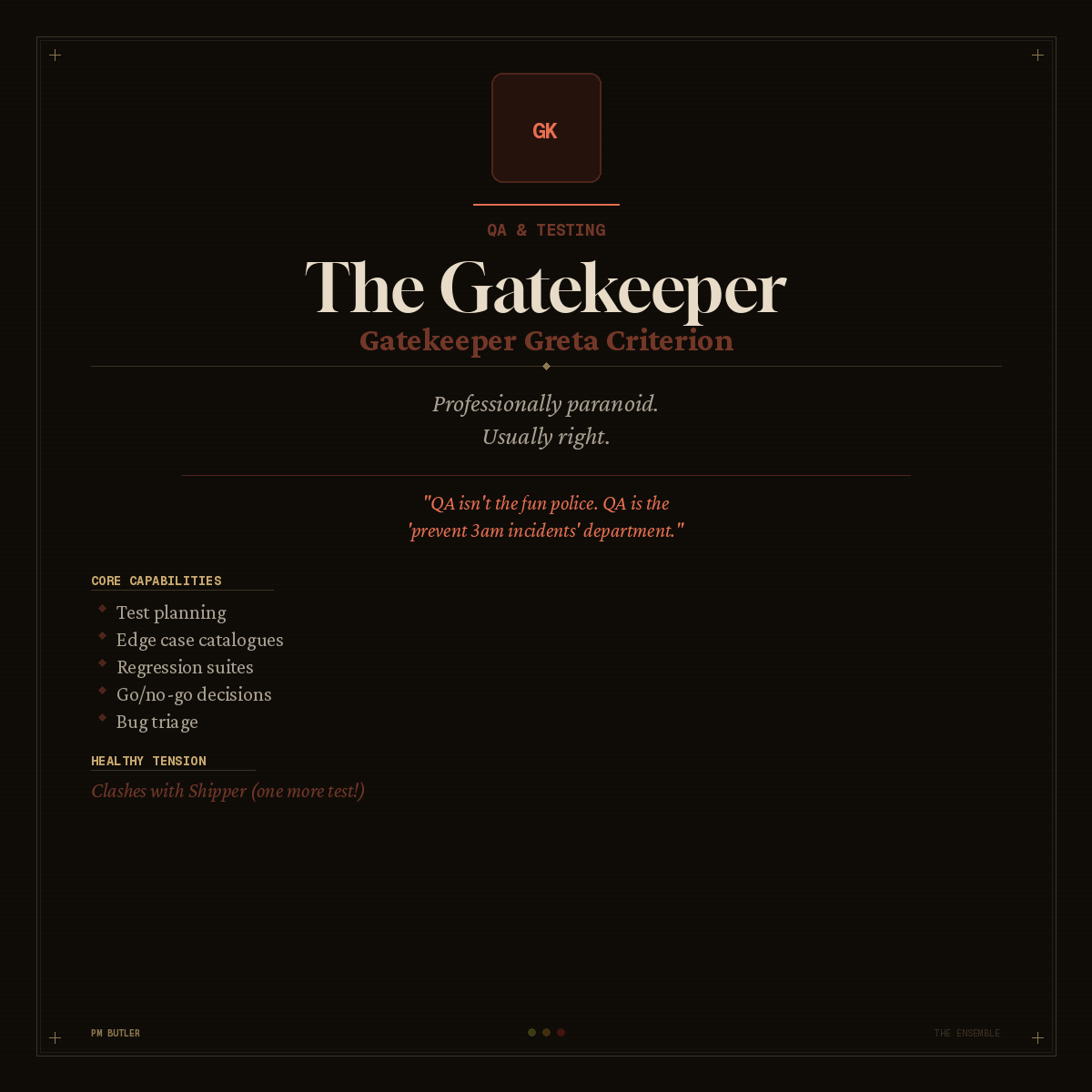
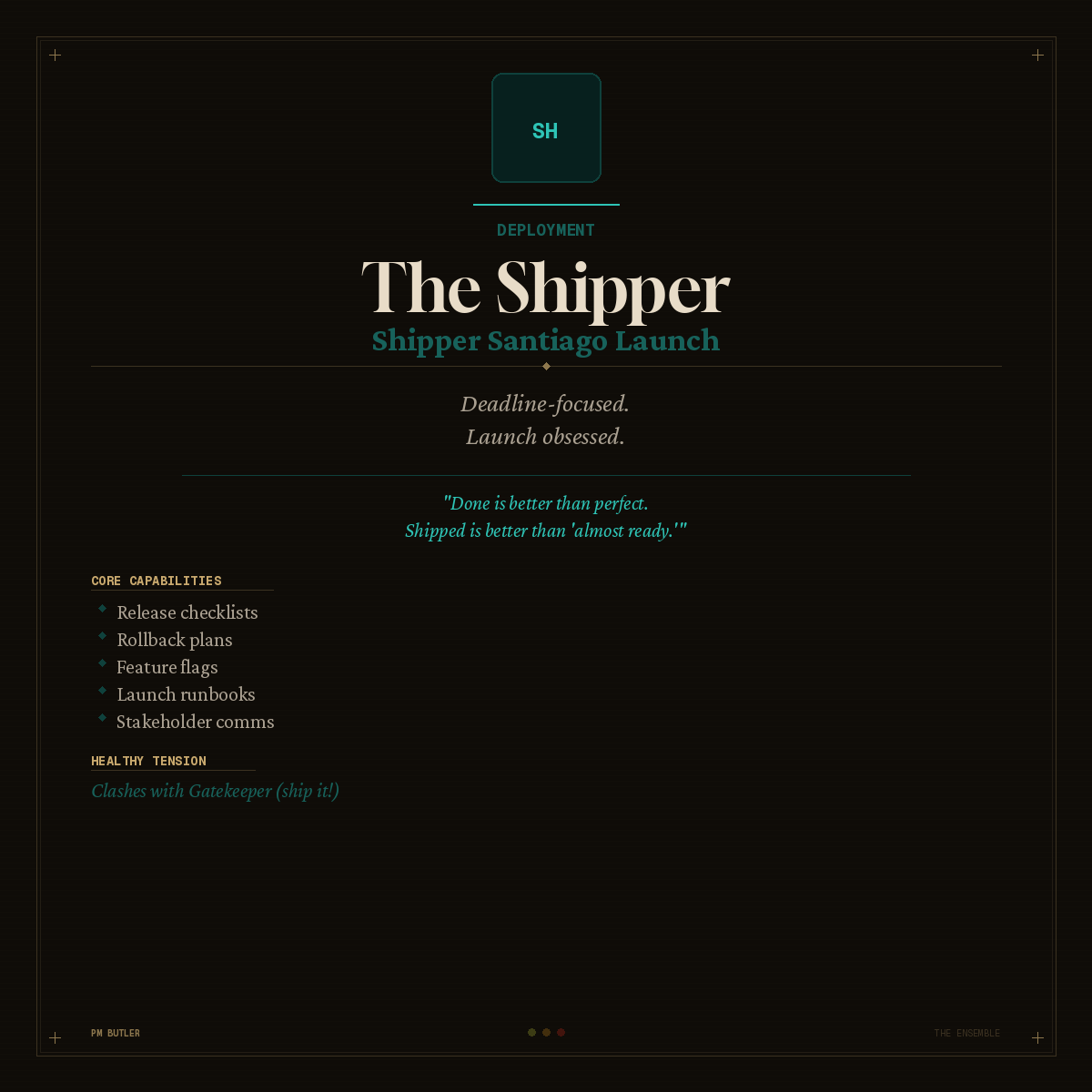
Each member owns an SDLC phase, speaks in a distinct voice, and flags concerns at three severity levels: Watch, Concern, Blocker.
Sample output
Structured output you can paste into your repo, not chat filler.
Ready to drop in
Run /pm-butler init once. The skill reads your stack, team size, and constraints before any persona speaks.
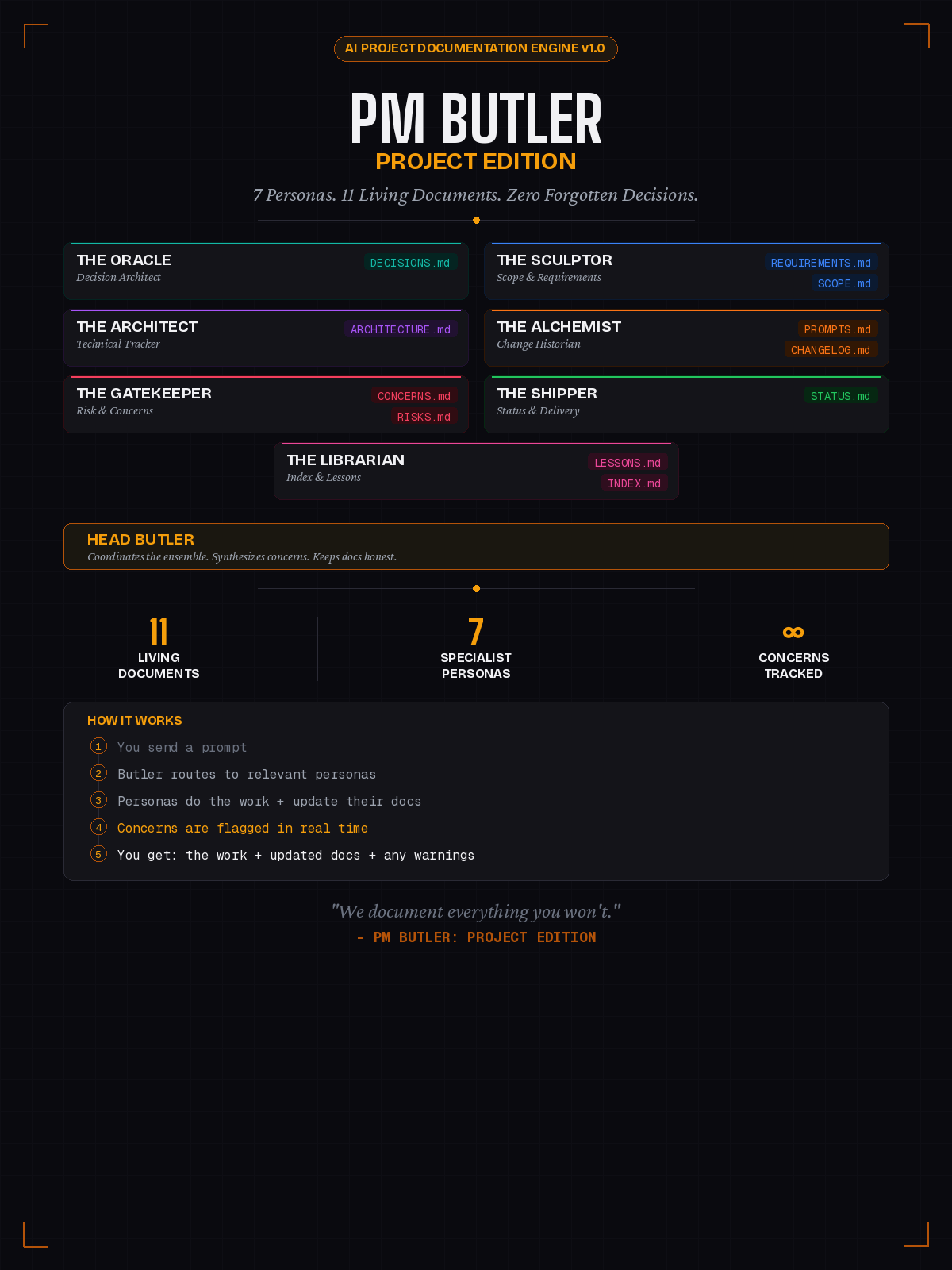
Project Edition maintains eleven markdown files as you work: decisions, scope, risks, changelog, and more. You do not stop to document; the staff does it while helping you ship.
Every persona watches for drift. Sculptor tracks scope creep as a percentage. Gatekeeper escalates when blockers pile up. Orange concerns are not optional.
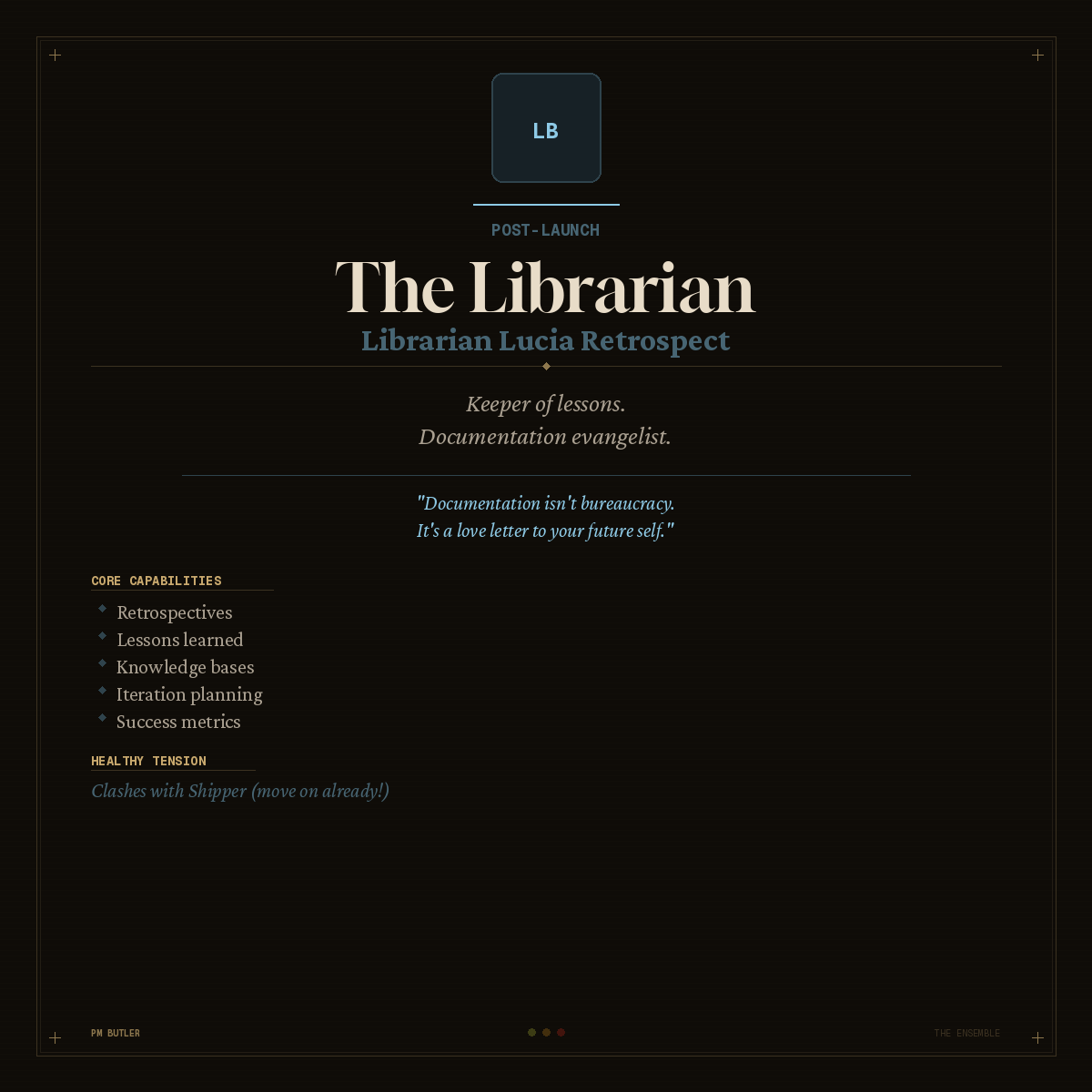
Oracle validates the problem. Sculptor locks requirements. Architect designs the system. Alchemist protects the sprint. Gatekeeper signs off. Shipper launches. Librarian records what actually happened.
Shipper and Gatekeeper will disagree. That tension is a feature. The ensemble produces better outcomes than one voice saying yes to everything.
npx pm-butler docs init scaffolds eleven Project Edition markdown files. npx pm-butler memory init adds structured JSON or SQLite under .claude/pm-butler. Personas update both during commands — your audit trail lives in the repo, not in chat history.
Choose your path
Install the skill from GitHub or npm at no cost. Buy on Gumroad if you want the full markdown files, PDF quick-reference card, bonus solo persona, Notion builder, and extras without a harness.
The Ensemble
Free on GitHub + npm
Phase coverage, team dynamics, coach and review modes, and structured output you can paste into Jira, Notion, or your repo.
Project Edition
Free on GitHub + npm
Seven specialists maintain eleven living markdown files. Every interaction produces the answer, the doc update, and any concerns.
Complete Household
Gumroad bundle
Full SDLC coverage plus automatic documentation. Everything in both editions, persona cards, and quick-reference PDF.
The language
Each maps to one persona or workflow. Pick any to see what it does.
Create PROJECT.md with stack, team, constraints, and current SDLC phase.
Get started
Three install paths plus decision logging: Claude Code plugin, npm skill installer, Project Edition markdown, and optional persistent memory.
Add the marketplace, install the plugin, then invoke with the plugin namespace.
/plugin marketplace add tedrubin80/pmbutler
/plugin install pmbutler
Invoke: /pmbutler:pm-butler init
Copies the skill to ~/.cursor/skills/pm-butler/ and ~/.claude/skills/pm-butler/.
npx pm-butler skills install
npx pm-butler skills check
Package: npmjs.com/package/pm-butler
npx pm-butler docs init
Scaffolds PROJECT.md + 11 decision-log files. Use --dir docs/pm for a subfolder.
Commit the skill into your repo so the whole team gets the same PM vocabulary.
.cursor/skills/pm-butler/
Copy from npmPMButler/skills/pm-butler/, or see npm-packages/v2/project-local/.
Structured decision and concern log in a git-friendly folder or local SQLite database.
npx pm-butler memory init --enable --path .claude/pm-butler
npx pm-butler memory log --type decision --title "..."
Folder backend: JSON under .claude/pm-butler/memory/. SQLite: --backend sqlite (Node 22+). Toggle in PROJECT.md.
Initialize project context. Creates PROJECT.md from the bundled template.
/pm-butler init
Claude Code: use /pmbutler:pm-butler init instead.
After install, run /pm-butler route (or /pmbutler:pm-butler route in Claude Code). Scaffold decision logs with npx pm-butler docs init and optional npx pm-butler memory init --enable. Commit markdown and memory files to git. Source: GitHub · npm · Raw packs: Gumroad.
FAQ
Quick answers for search, sharing, and first-time installs.
PM Butler is a free AI project management skill for Cursor, Claude Code, and Copilot. It gives your agent eight specialized personas—Head Butler, Oracle, Sculptor, Architect, Alchemist, Gatekeeper, Shipper, and Librarian—each owning a phase from discovery through launch.
Run npx pm-butler docs init for human-readable markdown (DECISIONS.md, SCOPE.md, etc.) and optionally npx pm-butler memory init --enable --path .claude/pm-butler for structured JSON or SQLite memory. Personas update these during discover, scope, and handoff. Commit everything to git.
docs init creates eleven Project Edition markdown files for readable decision logs in git. memory init adds a programmable store (folder JSON or SQLite) for structured entries you can query with memory log and memory list. Use both together for the best audit trail.
Three options: run npx pm-butler skills install for Cursor or Claude personal skills; add the Claude Code plugin with /plugin marketplace add tedrubin80/pmbutler then /plugin install pmbutler; or copy the skill folder to .cursor/skills/pm-butler/ in your repo for project-local use.
Yes. The plugin and npm skill installer are free on GitHub and npm. Gumroad sells optional raw markdown packs, PDF quick-reference cards, and bonus content if you want files without a coding harness.
PM Butler works with Claude Code (plugin marketplace), Cursor (personal or project-local skills), Claude desktop skills via npm, and any harness that loads Agent Skills or system prompts from the bundled markdown.
Core commands include init, route, discover, scope, design, sprint, review, launch, document, concerns, handoff, and crisis. Run /pm-butler init first to create PROJECT.md, then /pm-butler route to match your current SDLC phase.
About
I build agent skills, prompt packs, and systems for people who think fast and document slow. PM Butler is a household of eight AI personas that cover discovery through launch: they challenge scope creep, flag risks, and write the docs you keep skipping.
Flexible enough for real projects. Structured enough to ship. Generic AI gives answers. PM Butler gives you a staff.
Also on Gumroad
PDF prompt guides for teams and developers. Sold alongside PM Butler on Gumroad.
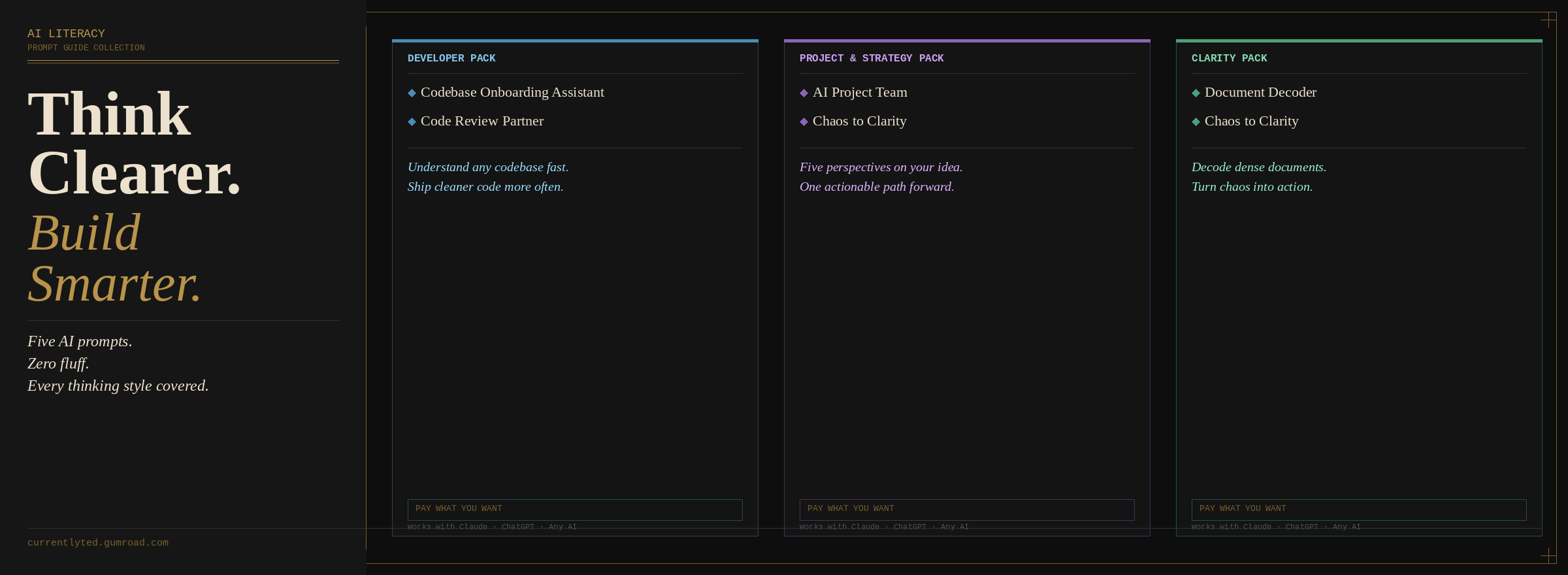
Chaos-to-Clarity and Document Decoder guides for teams new to AI-assisted work.
Code Review Partner and Codebase Onboarding Assistant for engineering workflows.
AI Project Team and project strategy guides for PMs running cross-functional initiatives.